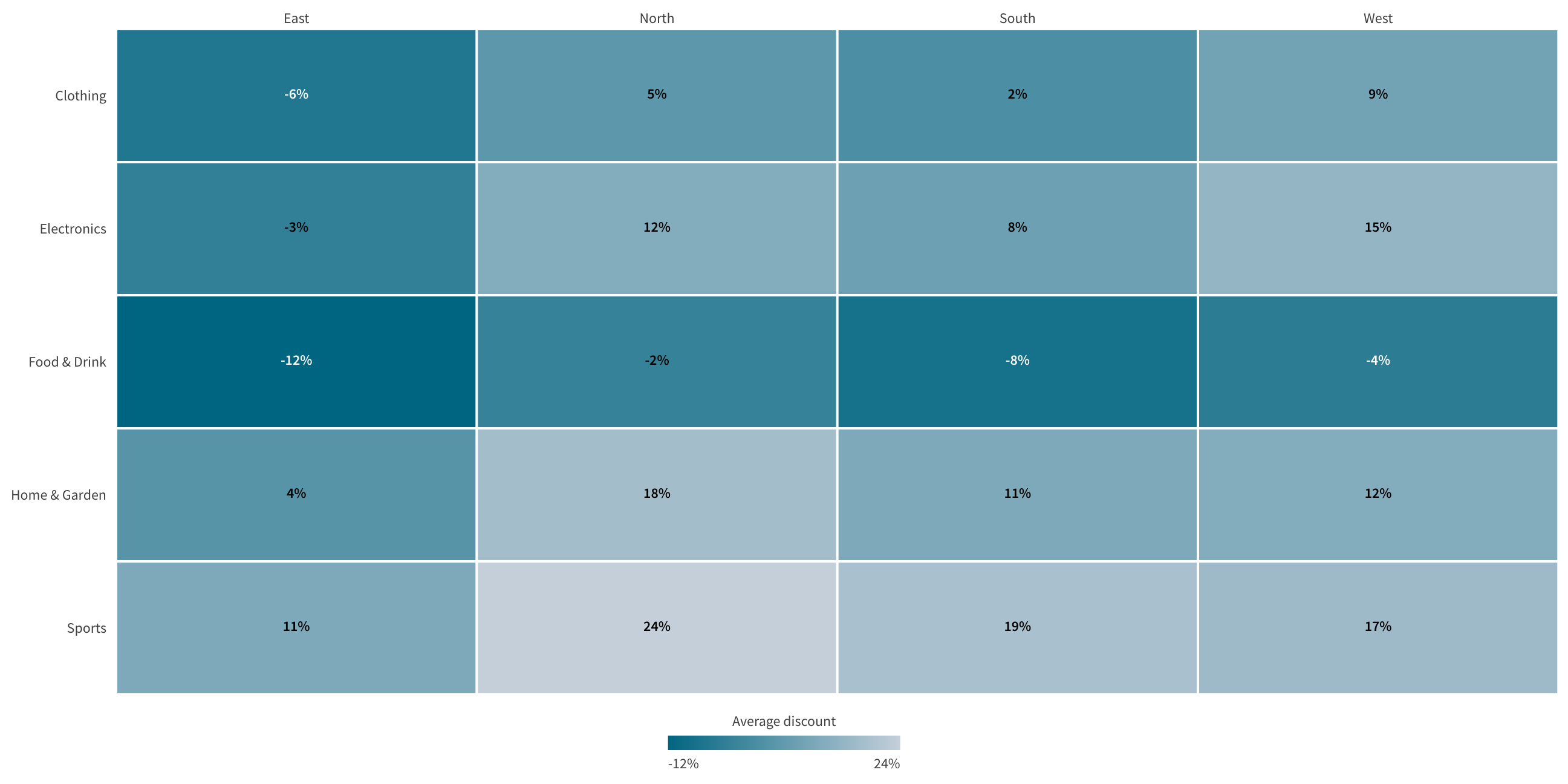
Getting started
Add Tm Heat Grid to a sheet and give it data. These steps use the Qlik Cloud edit mode.
- Open the sheet and choose Edit sheet.
- Open the Custom objects panel and drag Tm Heat Grid onto the sheet.
- Add two dimensions. The first dimension sets the columns. The second dimension sets the rows.
- Add a measure. It sets the cell color.
- Optionally add a second measure. It adds a second value to each cell.
- Choose Done editing.
Choose the color
Open Color in the property panel. Choose Sequential for a measure that runs from low to high. Choose Diverging for a measure with a meaningful middle, such as a variance. Set the midpoint to the middle value.
Choose the labels
Open Cell labels in the property panel. Choose a layout:
- Inline prints both values on one line.
- Stacked prints the values on two lines.
- Primary only prints the primary measure.
Limits
The chart needs two dimensions and one or two measures. The default row limit is 10,000 rows. Raise Maximum rows in Appearance up to 50,000 rows.